
Superyacht Management Software Crews Will Use
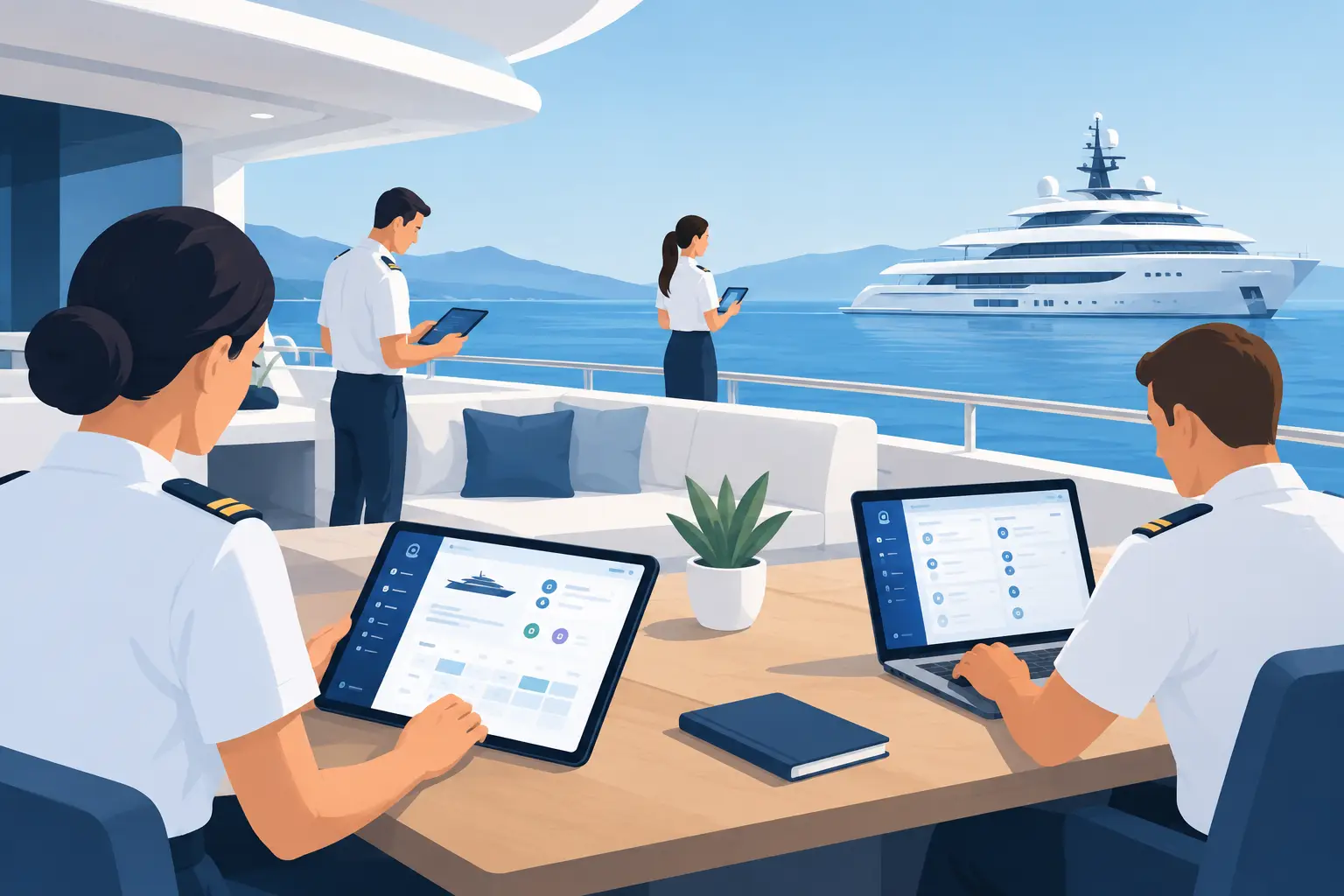
A bridge log updated after the watch. A maintenance task recorded beside the equipment. A cash expense approved before paperwork disappears into a drawer. This is where superyacht management software earns its place: in the routine decisions that keep a complex vessel organized, accountable, and ready to operate.
The challenge is not a lack of information. Most yachts have plenty of it. The challenge is that operational information often sits in separate spreadsheets, folders, inboxes, notebooks, and desktop systems. Crew then spend time finding the latest version, checking who made a change, or recreating records that should already be available.
A useful software system brings structure to that work without forcing every department into the same generic process. It should reflect how a yacht actually runs.
What Superyacht Management Software Should Solve
A large yacht is not one operation with one workflow. The bridge, engine room, interior, finance function, refit team, and crew office all work with different records, deadlines, and responsibilities. They need connected information, but they do not need identical screens or terminology.
That distinction matters when selecting superyacht management software. A broad business platform may store documents and tasks, but it can still leave crews building their own workarounds. The result is familiar: duplicate data, inconsistent naming, unclear ownership, and reports assembled manually at the end of the month.
Purpose-built yacht software should reduce this friction. It should give each department a clear place to manage its own work while maintaining a shared operational picture for the captain, yacht manager, and owners' representative.
The most practical systems improve five areas:
- Accountability for tasks, records, approvals, and changes
- Mobile access for work completed away from a desk
- Consistent processes across rotations and changing crew
- Department-level visibility without scattered files
- Reliable records for management, audits, handovers, and refits
The goal is not to digitize every habit for its own sake. The goal is to remove avoidable administration so crew can focus on safe operation, guest readiness, maintenance, and planning.
Start With the Work, Not the Software
Before comparing features, identify where the current operation loses time or control. A captain may need a clearer overview of vessel compliance and departmental status. A chief engineer may need maintenance records that stay current during busy periods. A purser may need a defensible view of cash movement and supporting documentation.
These are different problems. One system should not treat them as interchangeable.
Bridge and operational records
Bridge teams need dependable records, accessible during the working day and useful after the fact. Logs, checks, procedures, voyage-related information, and operational tasks must be organized in a way that supports watchkeeping rather than creating extra administration.
The trade-off is detail. A system that asks for too little may produce records that are difficult to review. One that asks for too much will be bypassed when the vessel is busy. Good design captures the information that matters through a workflow crew can complete consistently.
Engineering and maintenance control
Engineering departments work against planned schedules, corrective work, equipment history, parts requirements, and survey expectations. Maintenance software should help the chief engineer see what is due, what is overdue, what has been completed, and what needs attention next.
It also needs to work where the work happens. A task completed in the engine room should not rely on someone remembering to update a desktop computer later. Browser-based access on a tablet or phone helps close that gap, provided the interface is practical for onboard use.
Interior inventory and provisioning
For interior teams, control often depends on accurate stock information. Wine, spirits, consumables, and guest-related inventory require careful tracking, especially across provisioning cycles, charter activity, and crew changes.
A dedicated cellar workflow gives the chief stew or purser a clearer record of what is onboard, what has been used, and what should be replenished. It supports better purchasing decisions and reduces the uncertainty that comes from relying on separate lists maintained by different people.
Cash and financial administration
Petty cash is simple only when the transaction volume is low and the same person handles every step. On an active yacht, cash control requires receipts, categories, approvals, reconciliations, and a record that can be reviewed without chasing paper.
Software should create a clear chain from expense to evidence to approval. That protects crew members handling funds and gives management confidence that the record is current. The best process is not necessarily the most elaborate one. It is the one people can follow accurately every day.
Refit planning and delivery
Refit work creates a different operating environment. Scope changes, contractor activity, costs, deadlines, defects, and sign-off all move quickly. If project information is split between email threads and individual trackers, teams lose the ability to assess the real status of work.
A refit workflow should make ownership visible. It should show what has been raised, what is in progress, what is awaiting a decision, and what has been completed. For refit coordinators and owners' representatives, that clarity supports better conversations with yards, contractors, and management.
Crew administration
Crew documentation, rotations, certifications, onboarding, and employment records need their own structure. They are sensitive, time-bound, and often requested when the vessel is already under pressure.
Centralized crew administration reduces dependence on personal files and informal handovers. It also helps captains and managers identify approaching certification dates or documentation gaps before they become a scheduling problem.
Browser Access Changes the Operating Model
Desktop-bound systems create a predictable delay. Work happens in one location, then records are entered later somewhere else. That delay can be minor, but repeated across departments it becomes a material operational weakness.
Browser-based superyacht management software changes the model by making approved information available through the devices crew already use. A tablet at the gangway, a phone in a storeroom, or a workstation in the office can access the same current system without separate software installations.
Mobile access does not remove the need for discipline. It makes disciplined processes easier to follow. Permissions still matter. Review procedures still matter. Internet availability and onboard network planning still matter. The system must also be simple enough that crew use it under normal working conditions, not only when management requests an update.
One Platform, Focused Applications
There is a tension in yacht software procurement. A yacht needs one connected operational environment, but no department wants to navigate a generic platform built for someone else's job.
The better approach is a unified suite of focused applications. Each application should map to a real responsibility aboard the vessel, with records and workflows designed for that function. At the same time, the overall platform should give leadership confidence that departmental work is organized within one system.
SuperyachtApps follows this model with six browser-based applications: BridgeDeck, EngineDeck, CellarDeck, CashDeck, RefitDeck, and CrewDeck. Each is named for the work it supports. Together, they provide a structured digital operating environment without asking the bridge team, engineers, interior crew, and pursers to work from the same generic toolset.
This structure also improves adoption. Crew can understand where their work belongs immediately. Training is more direct. Handover is cleaner. A new team member does not need to learn every operational module before completing a task relevant to their role.
Questions to Ask Before You Choose
The right system depends on the vessel's size, operational profile, management structure, and existing processes. A yacht preparing for a major refit will prioritize different capabilities than a vessel focused on charter turnover. A management company may need standardized reporting across several vessels, while an owner-operated yacht may place more value on onboard simplicity.
Ask whether each department has a defined workflow, whether records can be updated at the point of work, and whether permissions match the vessel's chain of responsibility. Ask how easily crew can find historical information during a handover or review. Ask whether the platform supports the work your team does now, rather than forcing it into a generic office model.
Most of all, assess adoption. Software is only useful when the people closest to the work use it consistently. Clear departmental ownership, practical mobile access, and focused workflows create that consistency.
A well-run yacht depends on thousands of small actions being completed, recorded, and handed over correctly. Give each department a system that makes those actions easier to manage, and the whole vessel operates with greater control.