Watches with an officer on record
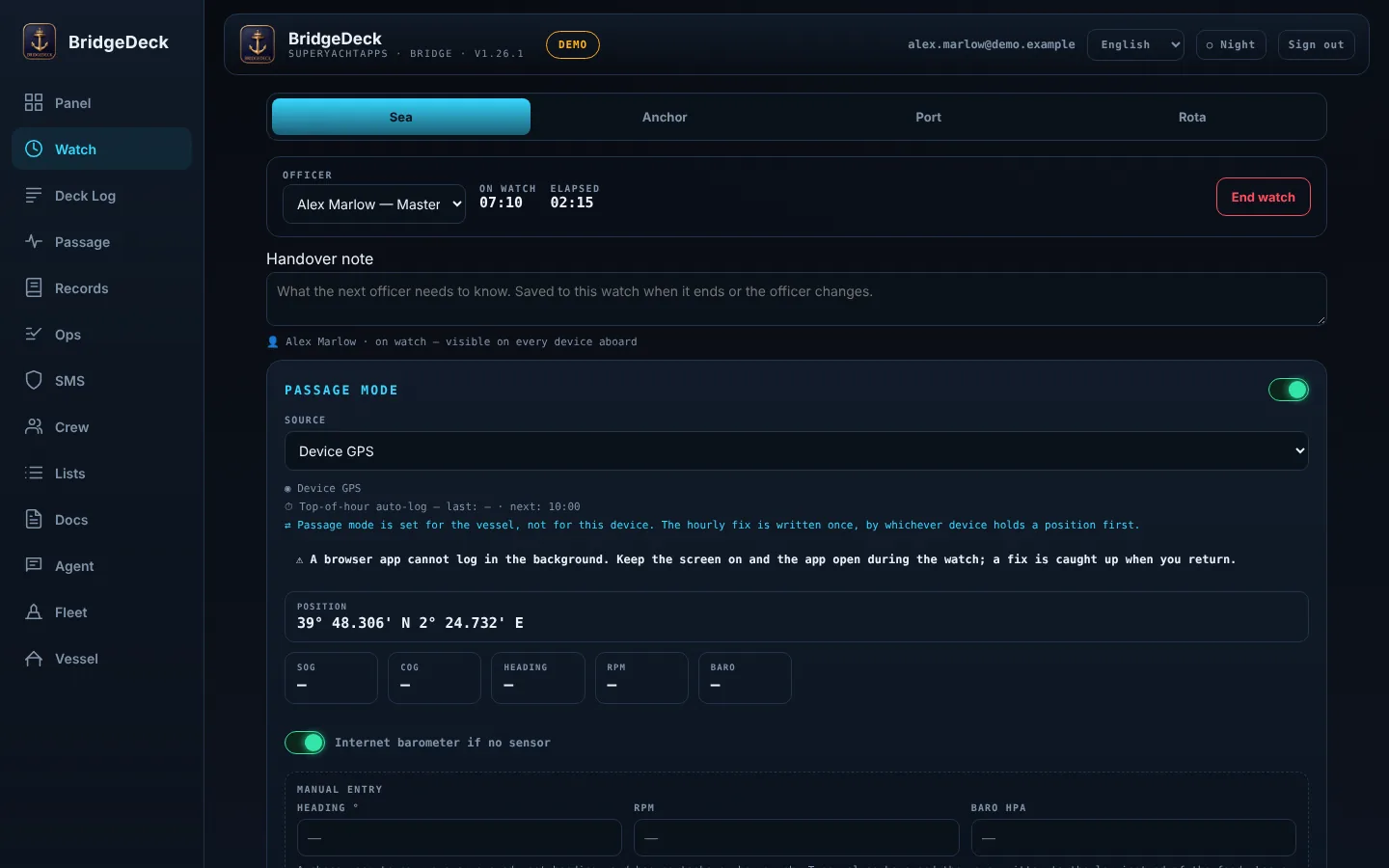
Sea, anchor and port watches, each with an officer on record. Journal entries link to the running watch, so a note is never loose from the watch it belongs to.
 SuperyachtAppsRequest a demo
the bridge & deck log
Sea, anchor and port watches with an officer on record — and a captain's signature that closes the page.
Sea, anchor and port watches, each with an officer on record. Journal entries link to the running watch, so a note is never loose from the watch it belongs to.
The signature locks a watch and everything logged inside it. A signed page can't be torn out.
Journal entries, positions and notes under a signed watch stay as they were signed.
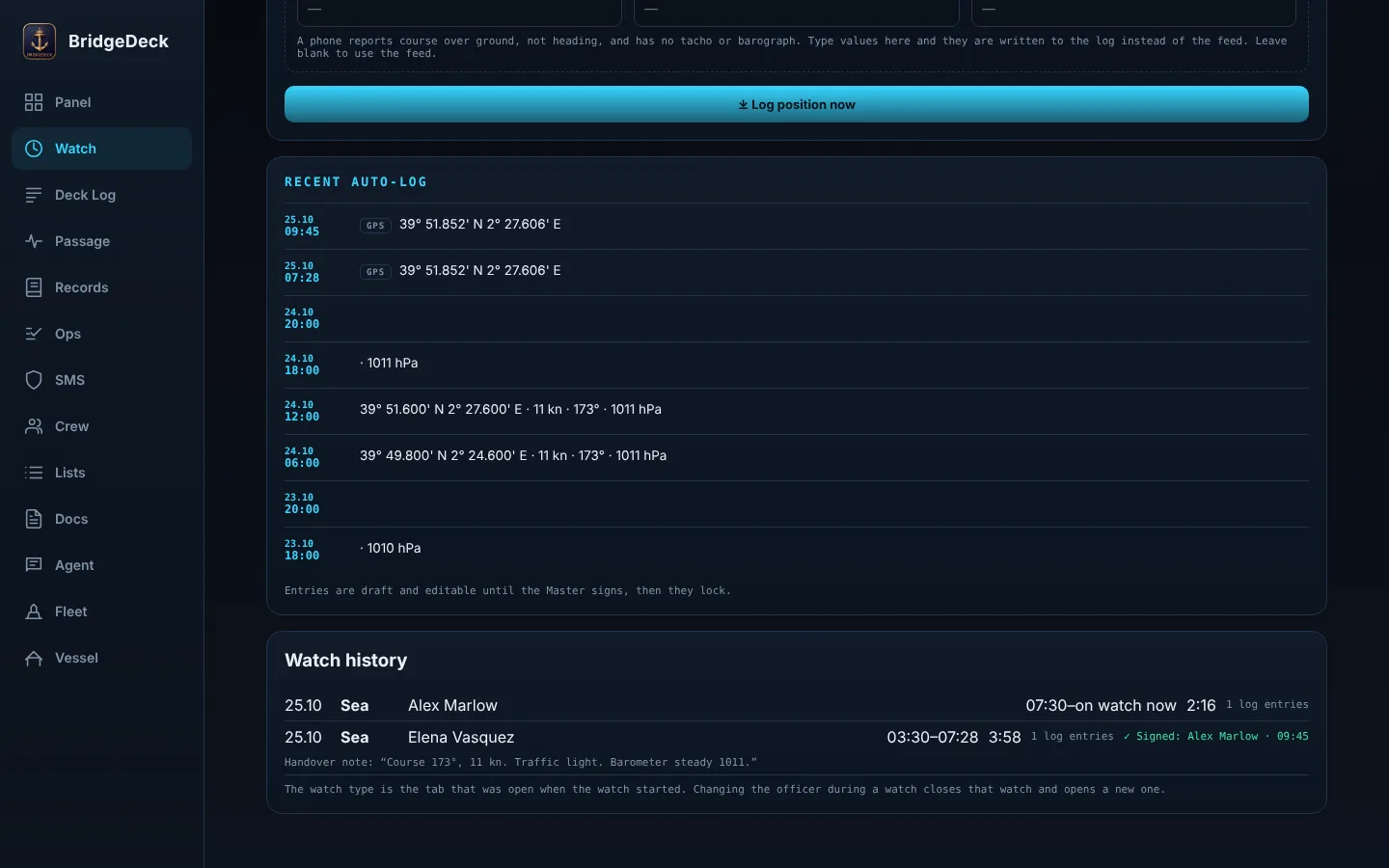
While the app is open on the bridge, the position is logged every hour.
The barometer trend comes from readings logged on board — or from a weather model when there are none, and the screen says which.
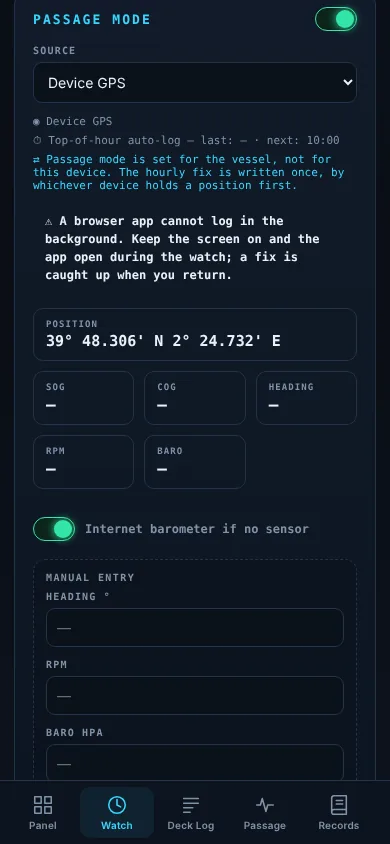
Anchor watch with position checks. Passage plans. A rest-hours log for the crew on watch.
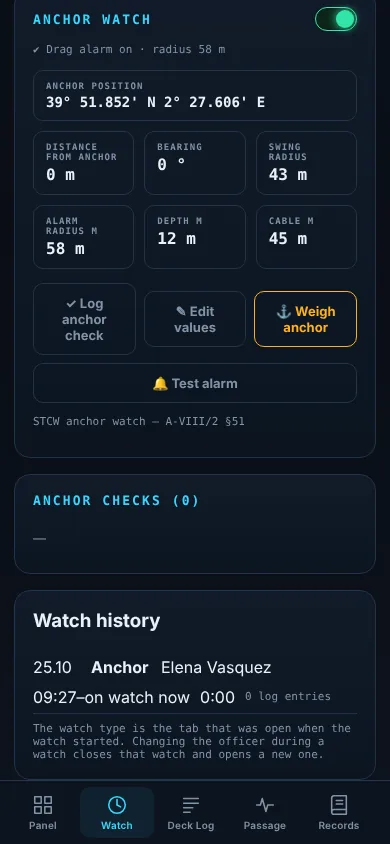
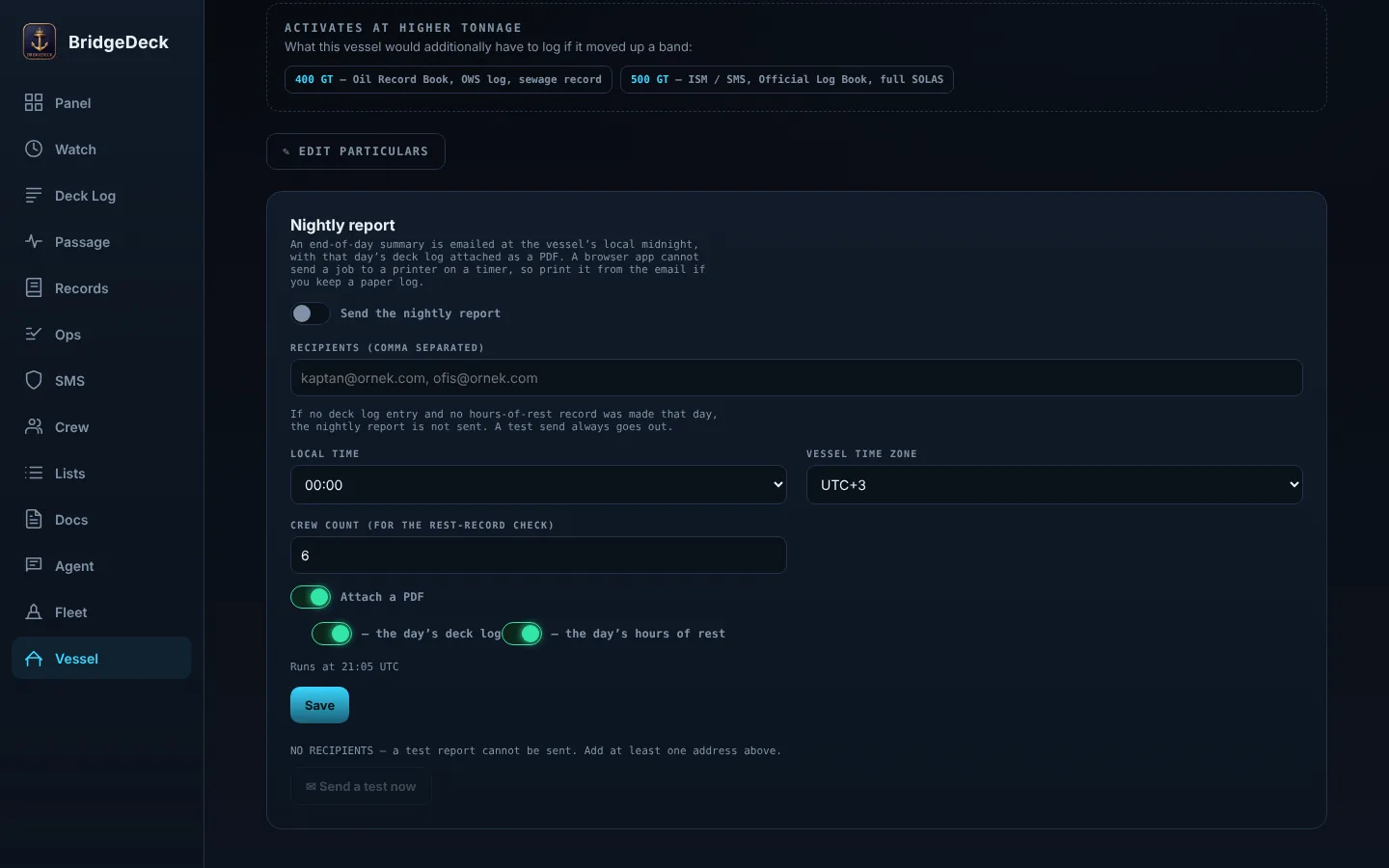
A nightly report goes out by email as a PDF. The agent document pack is sent the same way.
Tell us your vessel and which department is slowing the crew down.
Personal demo link. Sixty days.
No card. Nothing to install.
 EngineDeck
 CellarDeck
 CashDeck
 RefitDeck
 CrewDeck